Put school days, practices, appointments, meals, and family plans where everyone can see them.
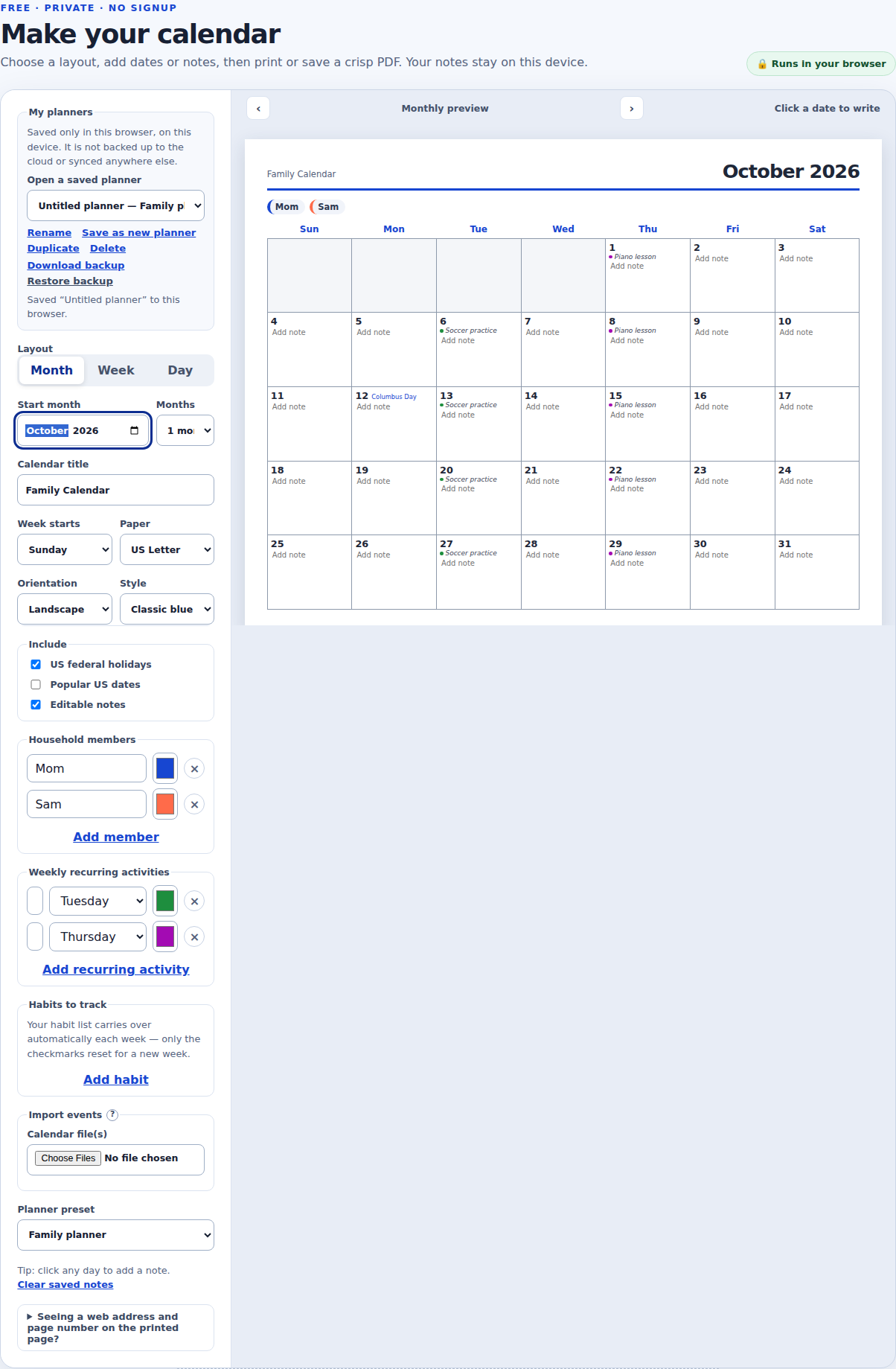
Two household members and two recurring activities, each with its own color, on a real October 2026 page. Names are fictional.
Free · private · no signup
Make your calendar
Choose a layout, add dates or notes, then print or save a crisp PDF. Your notes stay on this device.
🔒 Runs in your browser
Monthly previewClick a date to write
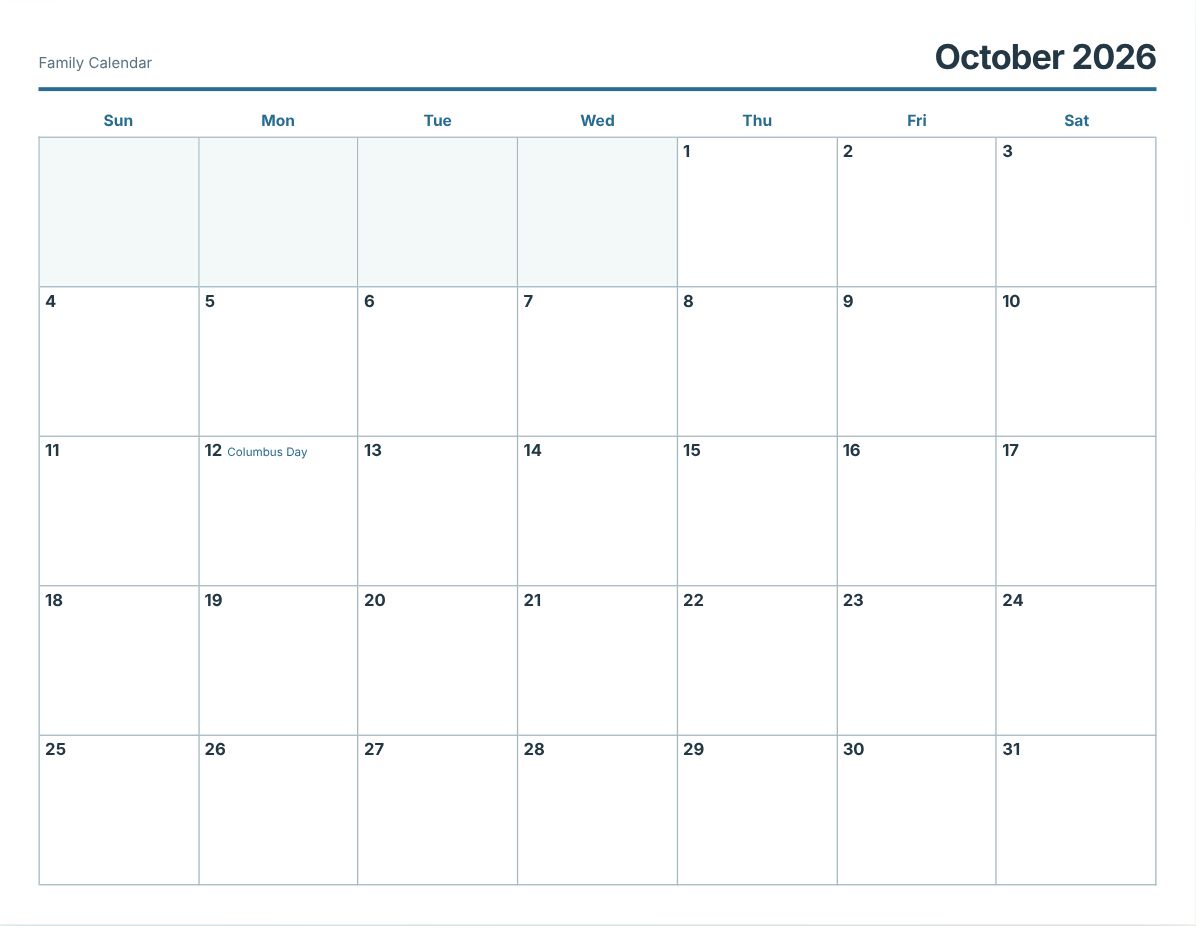
What this page prints with the default settings. Change anything above before you print.
One calendar for the whole household
A visible monthly family calendar makes schedules easier to share. Add a short note to any day, then hang the printed page somewhere useful.
Color-code who it’s for
Add each household member once and give them a color; add a recurring weekly activity (soccer practice, piano lesson) and give it a color too. Both show up as small colored dots on the printed page, so it’s clear at a glance whose plans are whose.
Built for changing plans
Change the month or update notes at any time. Notes, members, and recurring activities all stay in this browser, so recurring planning does not require an account.
Good to know
Members, recurring activities, and notes are saved in this browser’s local storage, on this device only. They are not backed up automatically; use “Download backup” in the “My planners” section if you want a file you can restore later or move to another device.
The “Copy share link” button shares your layout and settings only, not your members, activities, or notes; see the privacy policy for exactly what a share link contains.
A recurring activity repeats on the same weekday every week; it does not currently support every-other-week or monthly patterns. For a one-off event tied to an actual date, add it as a plain note on that day instead, or import it from a calendar app’s .ics export.
How to print your calendar
Choose your dates, layout, holidays, and page style.
Click any day to type a note. The field grows while you are typing.
Select Print / Save as PDF for your browser’s print dialog, or use Download PDF for a ready-made file.
The print dialog is already set to the paper size and orientation you picked. For best results choose 100% scale and turn off your browser’s own headers and footers. US Letter is the default for American home and office printers.
With your permission, we use optional Google Analytics cookies to learn which calendars and planners are helpful. Everything works just as well if you say no.