Weekly planner
See seven full days with room for appointments and priorities.
Open weekly planner →Plan it. Print it. Done.
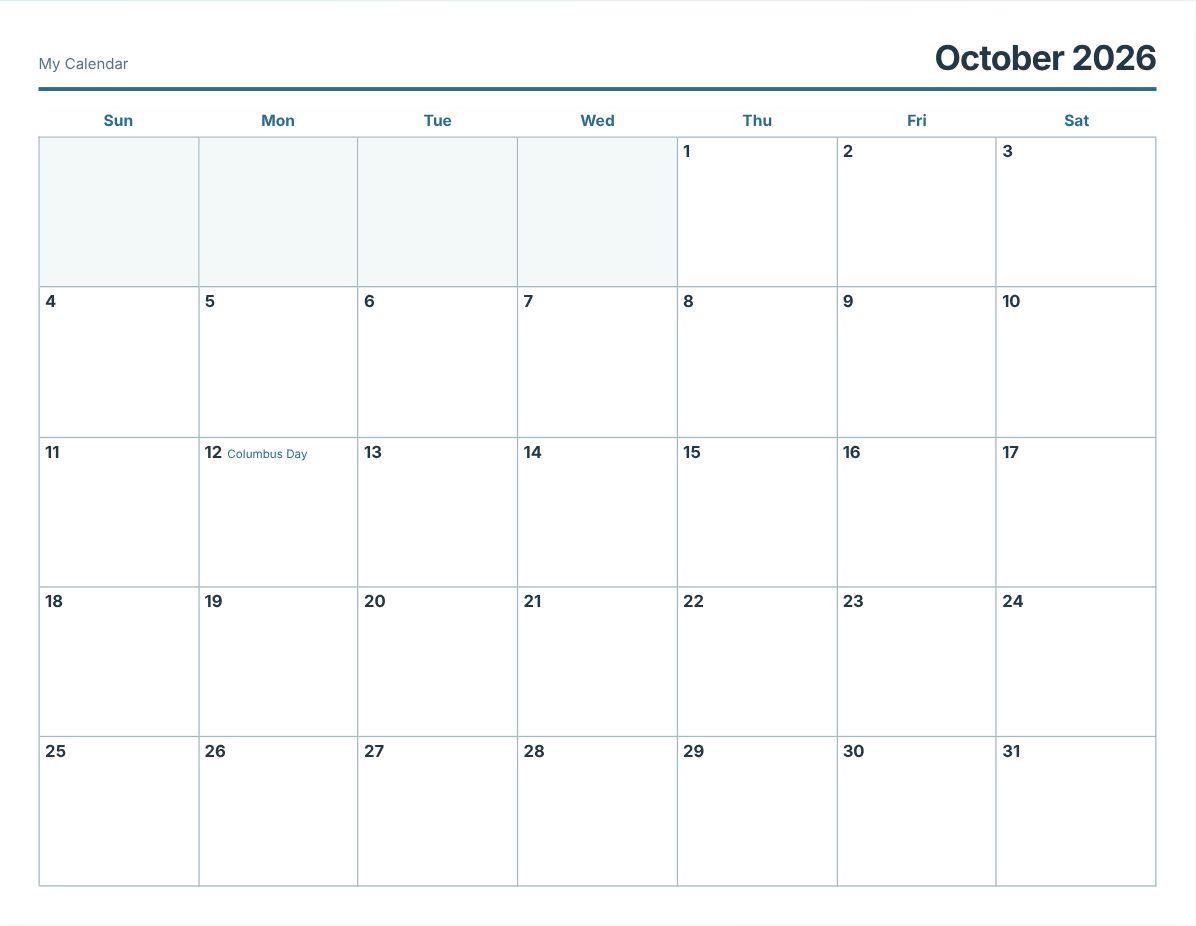
Build a clean monthly calendar or practical planner in seconds. Add US holidays and your own notes, then print or download without creating an account.
✓ No signup✓ No watermark✓ US Letter ready
Free · private · no signup
Choose a layout, add dates or notes, then print or save a crisp PDF. Your notes stay on this device.
More ways to plan
See seven full days with room for appointments and priorities.
Open weekly planner →Keep school, meals, activities, and appointments in one visible place.
Open family planner →Plan meals and organize your grocery thinking before the week starts.
Open meal planner →Joly Calendar is a free calendar generator for people who want a useful page, not a complicated design project. Choose a month, week, or day; customize the details; and print from any modern browser. The tool works without an account and keeps notes in your browser.
Yes. The calendar maker, print view, and PDF download are free and do not require an account. There is no watermark on the printed page.
Yes. You can turn the eleven federal holidays on or off, including the weekday they are observed when one falls on a weekend. Popular dates such as Easter, Mother’s Day, Halloween, and Black Friday are a separate option.
Your notes are stored in this browser using local storage. They are never uploaded to Joly Calendar. Clearing your browser storage removes them, and they do not follow you to another device.
US Letter in landscape is the default, because it gives the monthly grid the most writing room. A4 and portrait are both one click away, and the print dialog is set to match whatever you choose.
Yes. Set the start month and choose 12 months. Each month prints on its own page, so a full year is one print job.
Yes. Export your calendar as a standard .ics file from Google Calendar, Outlook, or Apple Calendar, then upload it in the calendar maker. It merges into your notes right in your browser, and nothing is sent to Joly Calendar or connected to any account. You can upload more than one file to combine several calendars onto one printed page.